
if a teacher cannot be always right, it’s not likely that a student with lesser metacognitive knowledge and lower metacognitve awareness be always right. if the customer is always right, then it follows that a student cannot be a customer. therefore, whoever says “students are our customers and we serve them”, does s/he understand what s/he is talking abt?
logical fallacies
chanced upon this site “Logical Fallacies and the Art of Debate” that prof Glen Whitman had prepared for his students some 11 yrs ago relating to the use of logical fallacies during debates. many of these can be observed in arguments observed or experienced in our daily lives, not just in a debate setting.
Argumentum ad antiquitatem, Red herring, and Slippery slope are but three examples (:
an extract from Walden Two
saw the following quote from the book Walden Two while reading an article:
Since our children remain happy, energetic, and curious, we don’t need to teach “subjects” at all. We teach only the techniques of learning and thinking. As for geography, literature, the sciences-we give our children opportunity and guidance, and they learn for themselves. In that we dispense with half the teachers required under the old system, and the education is incomparably better. Our children are not neglected, but they’re seldom, if ever, taught anything.
Education in Walden Two is part of the life of the community. We don’t need to resort to trumped-up life experiences. Our children begin to work at a very early age. It’s no hardship; it’s accepted as readily as sport or play. A good share of our education goes on in workshops, laboratories, and fields. It’s part of the Walden Two code to encourage children in all the arts and crafts.
(Skinner, 1948, pp. 119-120, as cited in Anderson, Reder, & Simon, 1997)
indesign cs5 tips reminder
am attending a workshop on InDesign CS5 these two days at NTU ACL1. here’s some tips to remember for the future:
1. Fast changing of shapes (e.g.) while retaining all specs
– Use “Pathfinder” (via “Windows” –> “Object & Layout”)
2. WYSIWYG x-pointed stars drawing tool (can see points being increased on screen on the fly)
– Polygon tool –> Draw by Click n Drag <strong>N HOLD</strong> –> hit <space> (still hold) –> Up-down arrows
3. Fast duplicating of shapes
– Polygon tool –> Draw by Click n Drag <strong>N HOLD</strong> –> Up-down arrows
4. Font selection on-the-fly, see what’s good and select
– Highlight text –> Highlight font name in toolbar –> Up-down arrows (cycle thru fonts)
– <Ctrl>+<Shift>+<‘>’> to increase, or <Ctrl>+<Shift>+<‘<‘> to decrease font size
5. Fill (large extensive) textbox with random text
– Type –> Fill with Placeholder Text
6. Trace connections of how long text flows from one textbox to another
– View –> Extras –> Show Text Threads <Alt>+<Ctrl>+<Y>
7. 3 types of Text Flow, works during Place(ing) text
– Manual — Semi-autoflow (<alt>) — Autoflow (<shift>)
8. Scroll page view horizontally
– <Ctrl> + <mouse scroll button>
9. Controlling flow of text around graphics/pictures
– Use Text Wrap (after clicking on graphics/pics)
10. ‘Eye-dropper’ to pick up text attributes
– Highlight text to be changed. Click on “Eyedropper” –> click on text with desired attributes (font/size/color etc.) to apply formatting to highlighted text
11. the 2-3-4-5 clicks
– double click selects a word, triple click – line, four clicks – para, five clicks – select all
12. Create “Text Styles”
– format a paragraph to desired attributes, then click <Create New Style> under Paragraphs menu (cf. Character style)
13. ePublication don’t recognise empty <CR>
– use Paragraph formatting, “indents and spacing”
14. Auto Spellcheck MS-Word style (no grammar)
– Edit –> Spelling –> Dynamic spelling
here’s 2 photos of the class:
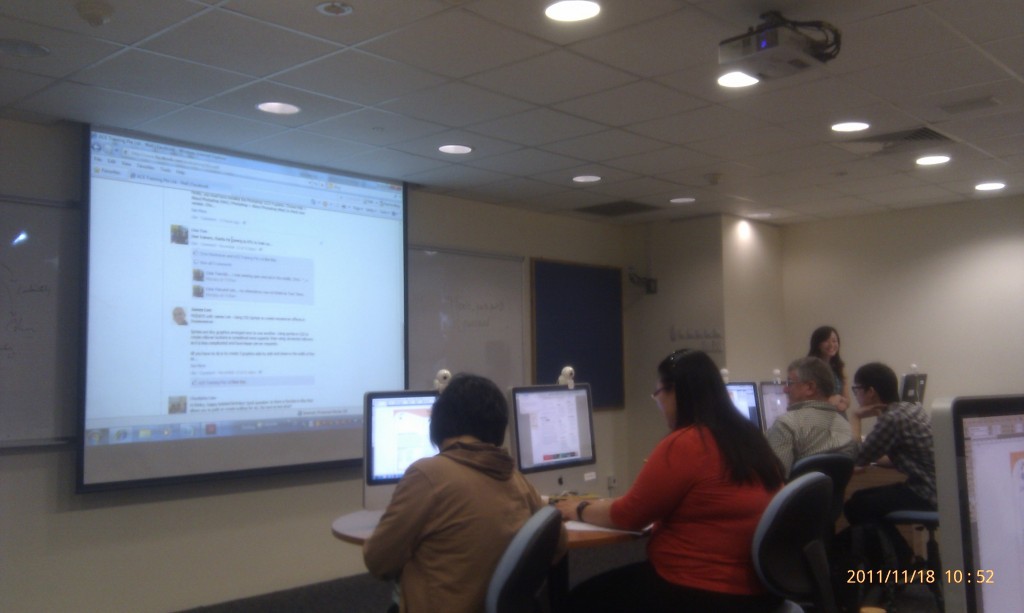
instructor @shirley tan reminding participants to visit AceTraining’s fb page for weekly tips n tricks
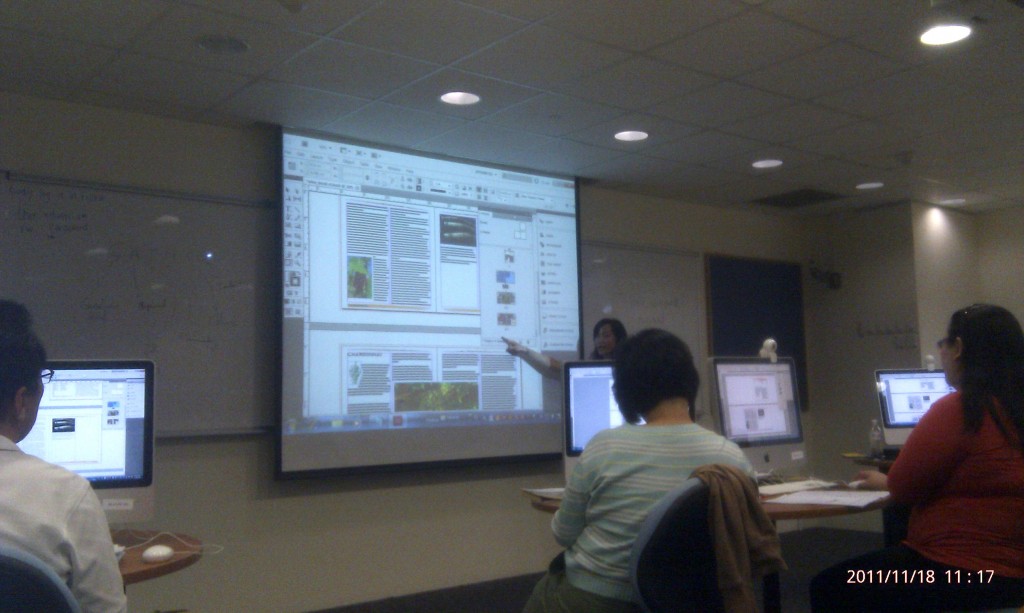
instructor @shirley tan explaining how to add a new page w/o disrupting existing page flow
education has a long tail …
this is the second/third time that i was locked out of the new SOEasy (to be locked out), and it’s 1hr now and the password reset isnt here. so thought i could take 3 mins to drop this note into the storeroom.
“education has a long tail. you never know when it will get back to you. it may be a good stroke or it can be a hit ”
… this quotation came from a course trainer, whose course yh2 attended. great wisdom in those words, 真知灼见。 we’ll not see the immediate effects of our education have on our young ones. it could be 20-30yrs down the road that one SEES them. it’s 46 yrs since 1965. look around for it’s abt time for us to see some effects of the policies implemented over the years.
lately we’ve seen the power of web2.0 (or social media, the “IN” term) in both GE2011 and PE2011. it’ll be interesting to see which way the long tail will sway, say the year 2040-50, when C2015 has equipped our students with the 21st Century Competencies, and it’s time for some, if not all, of our students to become “Self-directed, Confident & Concerned Citizens and Active Contributors”.
就让我们相约30年后,我们拭目以待吧 (: